
The BreakTimer alternative for when the minimum stopped being enough
BreakTimer is good at being small. People look for an alternative when the thing they wanted from a break app turned out to be bigger than a timer: usually because the reminders started landing at the worst possible moments, or because a generic break was not answering a specific ache.

Almost nobody leaves a break app because it was bad. They leave because it interrupted the wrong meeting.
Why people leave BreakTimer
It interrupts without knowing what you are doing
You can skip or snooze when the break arrives, but nothing is detected. In a week with a lot of calls, that is a lot of manual skipping, and skipping becomes the habit instead of the break.
One kind of break for every kind of problem
A twenty second look out of the window and a real stand-up away from the desk are different things. BreakTimer treats both as the same generic break.
Nothing to look at afterwards
No statistics, so you never find out whether the last month went the way you remember it going.
What Pausr does differently
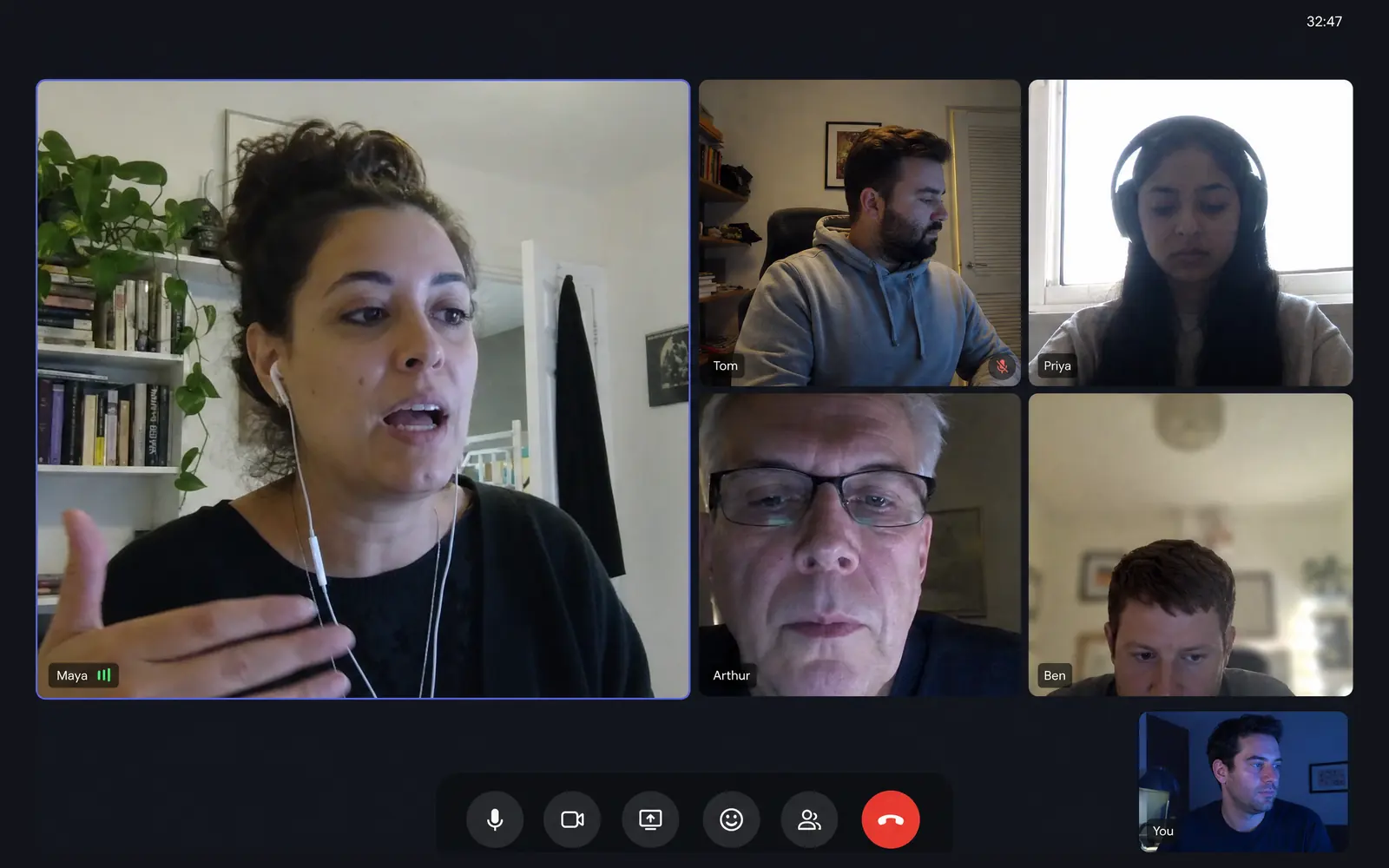
- Breaks are held automatically during meetings, calls, screen sharing and games.
- Eye breaks, stand-up breaks and long recovery breaks are distinct types with lengths that fit each one.
- Local screen-time statistics, with no account and nothing leaving the Mac.
What you keep, and what you give up
What you keep
- An app that stays out of the way and needs no account.
- Full control over how often breaks arrive and how long they run.
- Working hours, so nothing fires in the evening.
What you give up
- Free and open source. Pausr is paid and closed source.
- Windows and Linux. Pausr is macOS only today, with a Windows version in the works.
- The simplicity itself, which is BreakTimer's actual feature.
Feature by feature
| Feature | Pausr | BreakTimer |
|---|---|---|
| Native macOS app | Yes | Partly |
| Windows | No | Yes |
| Linux | No | Yes |
| Eye breaks (20-20-20) | Yes | Yes |
| Stand-up and movement breaks | Yes | No |
| Long recovery breaks | Yes | Yes |
| Holds breaks during meetings, calls, screen sharing and games, without the screen recording permission | Yes | No |
| Screen-time statistics | Yes | No |
| Guided RSI exercises | No | No |
| Open source | No | Yes |
| Free to use | No | Yes |
| Works without an account | Yes | Yes |
The nuance behind the table6 rows need a caveat
- Native macOS app
- BreakTimer: Cross-platform Electron app rather than a native macOS one.
- Windows
- Pausr: A Windows version is in the works. The waitlist is open on the download page.
- Stand-up and movement breaks
- BreakTimer: Breaks are generic: you set how often and how long, without a dedicated movement break.
- Holds breaks during meetings, calls, screen sharing and games, without the screen recording permission
- BreakTimer: You can skip or snooze a break by hand, but nothing is detected automatically.
- Guided RSI exercises
- Pausr: Pausr prompts stand-up and movement breaks, but it does not ship guided RSI exercise routines.
- Free to use
- Pausr: No permanent free tier: a 7-day free trial, then a subscription or a one-time lifetime purchase.
Facts checked on August 3, 2026, on the official sites.
Frequently asked questions
What is the best BreakTimer alternative?
Is there a free alternative with more features?
Does Pausr run on Windows or Linux like BreakTimer?
Why would I pay when BreakTimer is free?
Is BreakTimer still maintained?
Where these facts come from
Every cell above comes from a public page we checked ourselves, not from memory. Here is the trail, so you can disagree with us.
Other BreakTimer alternatives worth a look







2,000+ screen workers4.9
Try Pausr today. Feel it by tonight.
Your body wasn't built to sit in front of a screen all day.
7 days freeSubscribe, or buy it outright
Cancel anytime, in one clickNo account needed