Written by Alex Ren
Updated on 9 min read
How often should you take breaks when working from home? What the research says
Quick summary The research-backed answer: rest your eyes for 20 seconds every 20 minutes, stand up and move for a minute or two every 30 to 60 minutes, take one long break of 15 minutes or more per half-day, and eat lunch fully away from your screens. Working from home does not change those numbers. It removes everything that used to make them happen on their own.
In this article
Each of those frequencies comes from a different body of research, because your eyes, your body and your attention fatigue on different clocks. That is the part most advice misses: "take more breaks" is three separate prescriptions wearing one trench coat. Here they are, separated, with the studies behind each.
| Every | Do this | For | Backed by |
|---|---|---|---|
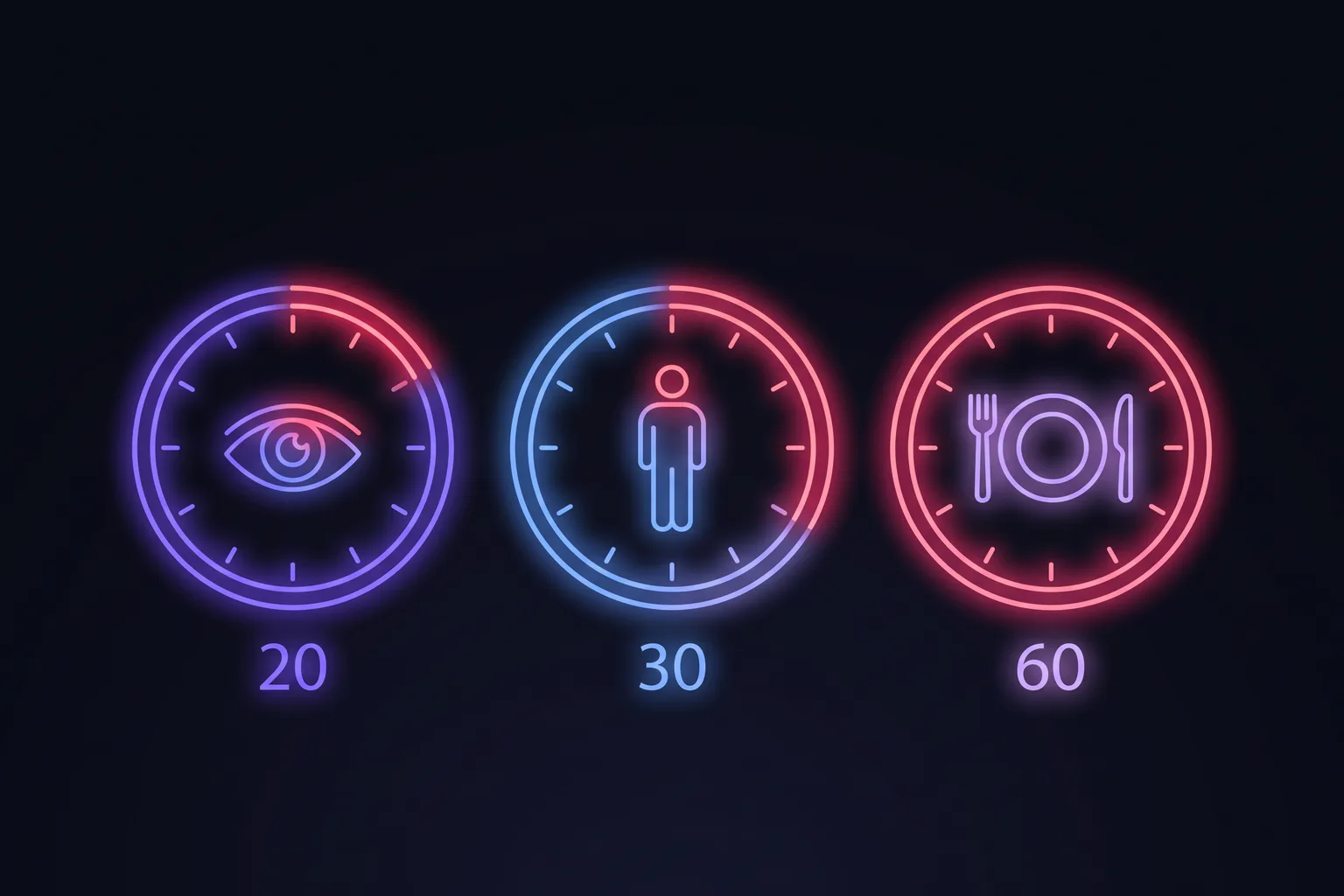
| 20 minutes | Look 20 feet away for 20 seconds | Eyes: blink rate and focusing muscles | AAO / AOA guidance on digital eye strain |
| 30 to 60 minutes | Stand up, move for 1 to 2 minutes | Body: sitting in long unbroken bouts | Diaz et al. 2017; NIOSH field studies |
| About an hour | A genuine micro-break, fully disengaged | Attention and energy | Albulescu et al. 2022 meta-analysis; DeskTime 52/17 data |
| Half-day | One long break, 15+ minutes, off-screen | Deep recovery, ideas, mood | Recovery research; ultradian work patterns |
| Daily | A real lunch away from every screen | The single biggest off-screen block of an office day | Screen-time gap data on remote work |
Eyes: every 20 minutes, and yes, that number is aggressive#
Screen focus cuts your blink rate by half or more and keeps your focusing muscles contracted at near distance, which is why roughly two out of three screen users report digital eye strain. The standard prescription, endorsed by the American Academy of Ophthalmology, is the 20-20-20 rule: every 20 minutes, 20 seconds of looking at least 20 feet away. Twenty minutes sounds absurdly frequent until you notice the break is 20 seconds long. It costs you one percent of your time and it is the difference between eyes that burn at 6 pm and eyes that do not.
Body: break up sitting at least every hour, ideally every 30 minutes#
Total sitting time matters, but so does the shape of it. Diaz and colleagues, tracking nearly 8,000 adults with accelerometers, found that people who accumulated their sitting in long unbroken bouts had higher mortality risk than people with the same total sitting split into shorter stretches, and suggested movement roughly every 30 minutes as the protective pattern. On the workplace side, a NIOSH field study of data-entry workers found that adding short hourly breaks reduced discomfort without reducing productivity: the work absorbed the breaks entirely. Ninety seconds of standing per hour is not a productivity expense. It is maintenance the day was supposed to include.

Attention: a real micro-break about every hour#
Sustained attention decays: Ariga and Lleras showed that performance on a long vigilance task collapsed over time, and that even brief diversions restored it. A 2022 meta-analysis of 22 studies found micro-breaks reliably increase vigor and reduce fatigue. And DeskTime's famous analysis of its most productive users found them working in roughly 52-minute stretches with 17 minutes fully away. The common thread across all three: the break restores attention only if you actually disengage. Scrolling a feed at the same desk is a task switch, not a break.
Why working from home changes the math, and the work-life balance#
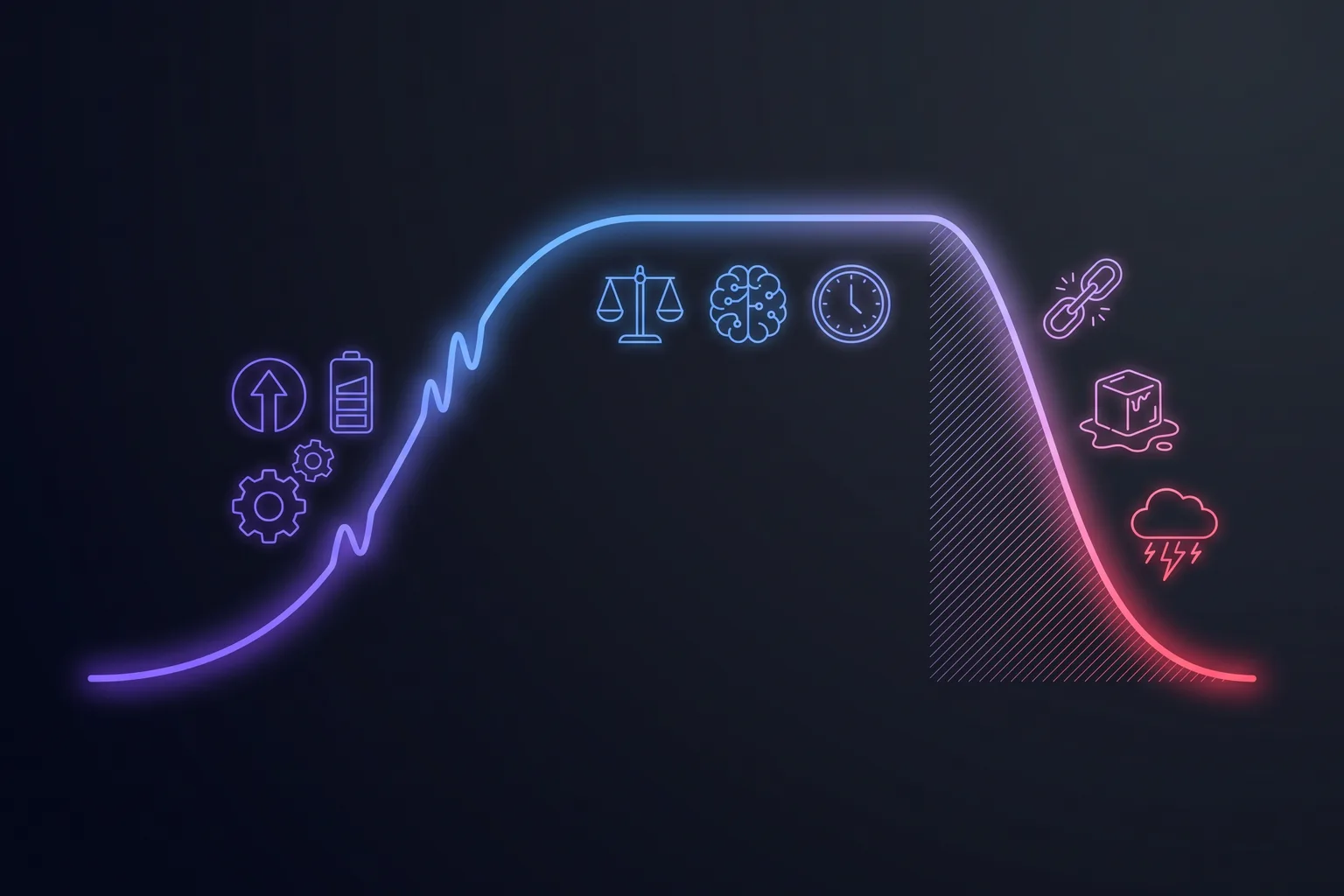
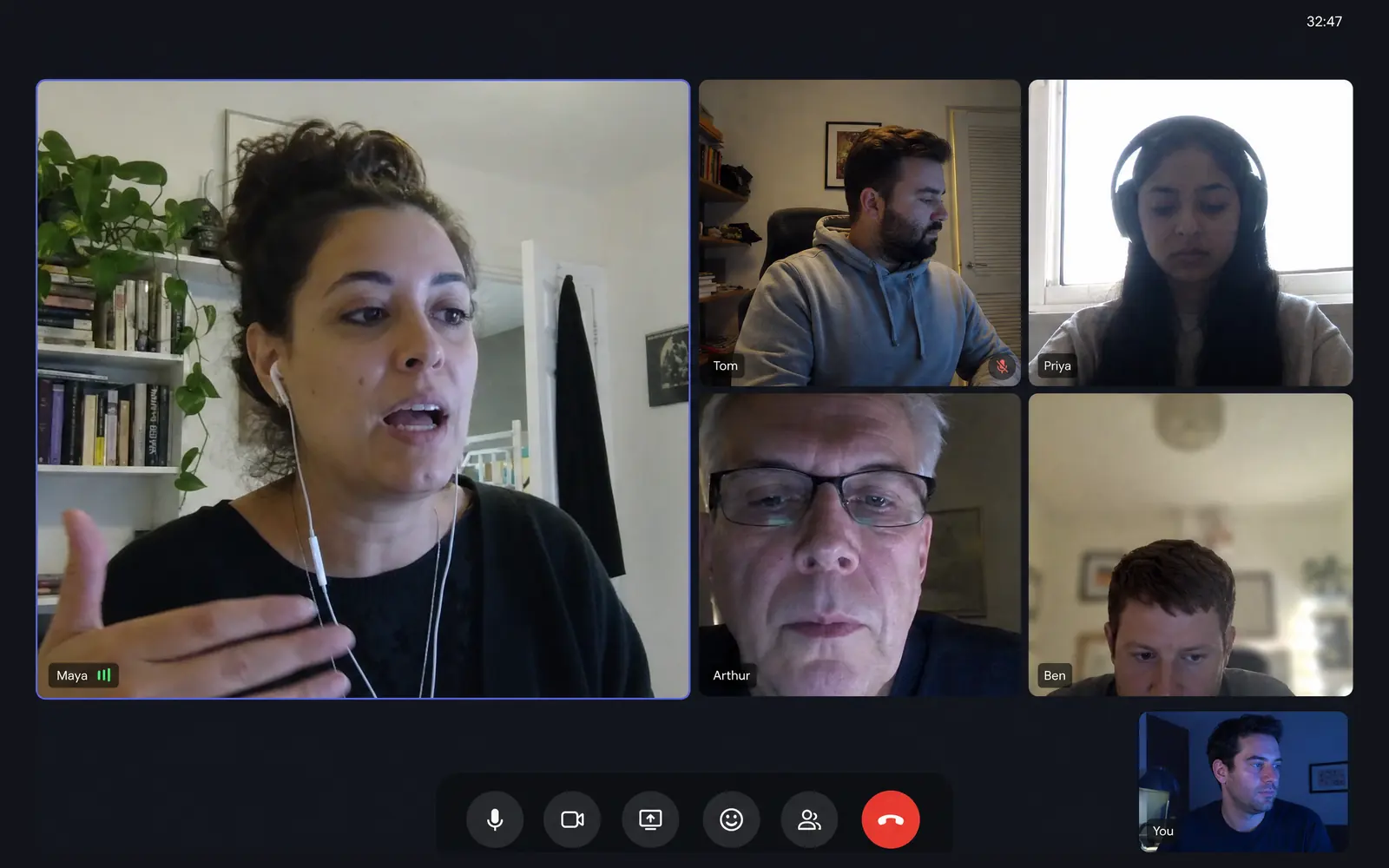
None of the frequencies above are remote-specific. What is remote-specific is that the office used to hit most of them for free: the walk to a meeting room was a stand-up break, the colleague at your desk was a micro-break, lunch out was the long one. Remote work deleted them all and added two to three hours of screen time in the process. At home, a break only exists if something deliberately creates it. That is the honest reason remote workers hit 3 pm exhausted: not more work, fewer recoveries. Most work-life balance tips for remote workers are about when you stop working. This one is about what happens inside the hours you work, because that is where the recovery went missing, and recovery that stays missing for months is one of the ingredients of burnout, which the WHO defines as a syndrome resulting from chronic workplace stress that has not been successfully managed.
Making it actually happen#
- Do not stack all the rules at once. Start with movement every hour for one week, add eye breaks the next. Habit research and common sense agree: one clock at a time.
- Anchor breaks to events, not intentions. After every call ends, stand up. Every time you send something for review, look out the window. Events fire; intentions do not.
- Protect one long break like a meeting. Fifteen real minutes, no screens. It is the block where the good ideas tend to show up, which is the least mystical fact in the recovery literature.
- Take lunch off-screen, whole. It was the biggest off-screen block your office day had. Reclaiming it undoes a third of the remote screen-time gap in one move.
- Delegate the clock. The person deep in their fourth call will not notice minute 52. A break reminder app notices for you; that is the entire job.
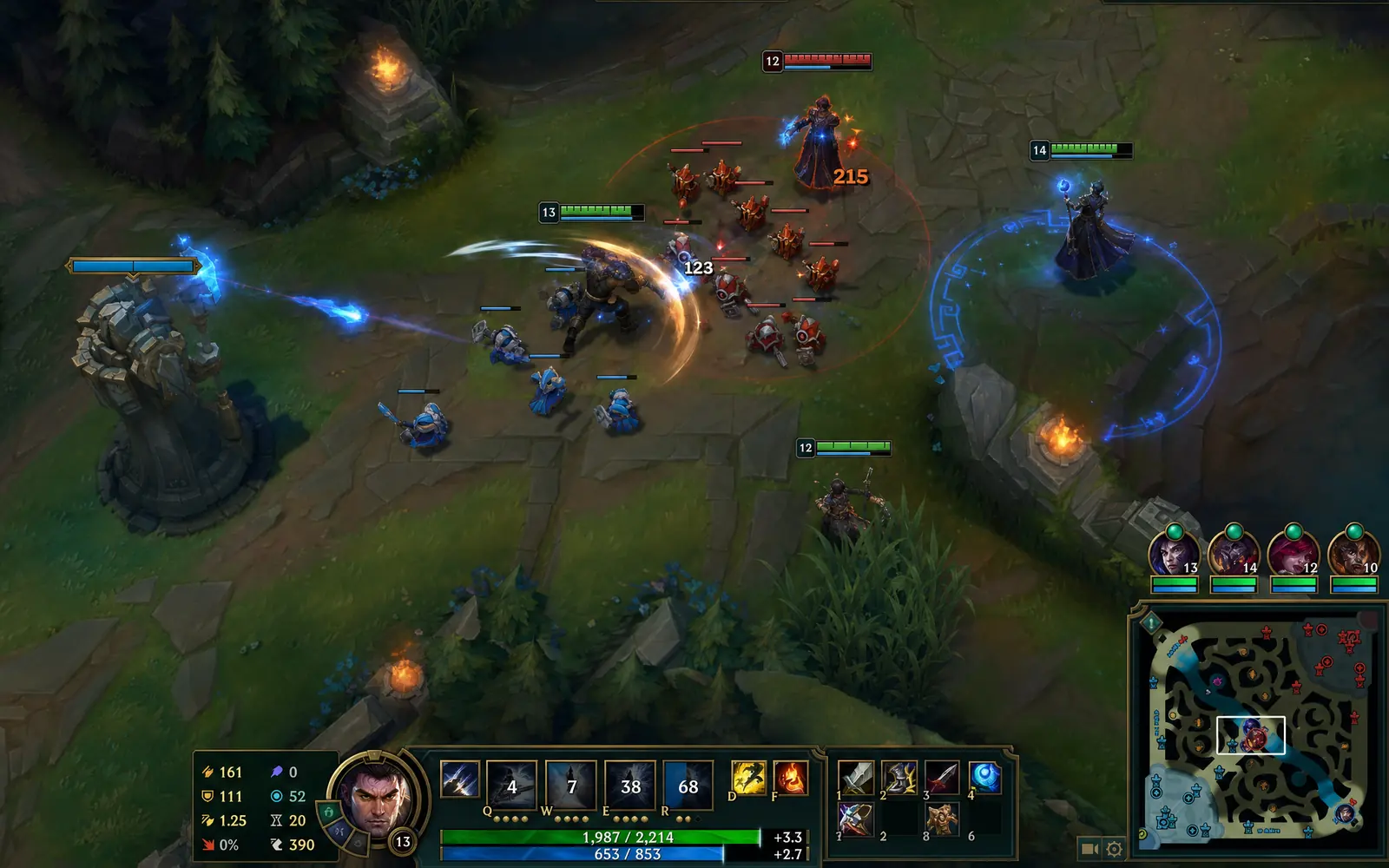
That last point is where Pausr fits, and the fit is exactly the shape of this article: it runs all three clocks at once, 20 seconds for your eyes, 90 seconds to stand, a real long break for recovery. Each one is flagged before it lands, and a break that would collide with a meeting, a screen share or a game simply waits until you are free. Nothing to log into, nothing leaving your Mac, and no streak to protect either, so a skipped break is just a skipped break. You pick the rhythm; it keeps the time.
Frequently asked questions
How often should you take breaks when working from home?
Is a 5-minute break every hour enough?
Do frequent breaks hurt productivity?
Are micro-breaks better than one long break?
What counts as a real break?
Why do I forget to take breaks at home?
Can skipping breaks lead to burnout?
Sources & further reading
- American Academy of Ophthalmology: Computers, Digital Devices and Eye Strain
- Diaz et al., Patterns of Sedentary Behavior and Mortality in U.S. Middle-Aged and Older Adults, Annals of Internal Medicine (2017)
- Galinsky et al., A field study of supplementary rest breaks for data-entry operators, Ergonomics (2000)
- Albulescu et al., Give me a break! A systematic review and meta-analysis on the efficacy of micro-breaks, PLOS ONE (2022)
- University of Illinois / ScienceDaily: Brief diversions vastly improve focus, researchers find (Ariga & Lleras, 2011)
- DeskTime: The 52/17 ratio of the most productive people
- Prevalence of computer vision syndrome: a systematic review and meta-analysis, Scientific Reports (2023)
- World Health Organization: Burn-out an occupational phenomenon (ICD-11)
- American Psychological Association: Give me a break, the research on rest at work
- CDC: Physical activity guidelines for adults