
The Time Out alternative for when the breaks keep landing mid-meeting
Time Out has earned its long life: free, flexible, reliable, and for years the default answer to break app for Mac. People who look for an alternative are almost never complaining about quality. They are complaining about timing.
Almost nobody leaves a break app because it was bad. They leave because it interrupted the wrong meeting.
Why people leave Time Out
The break arrives mid-call
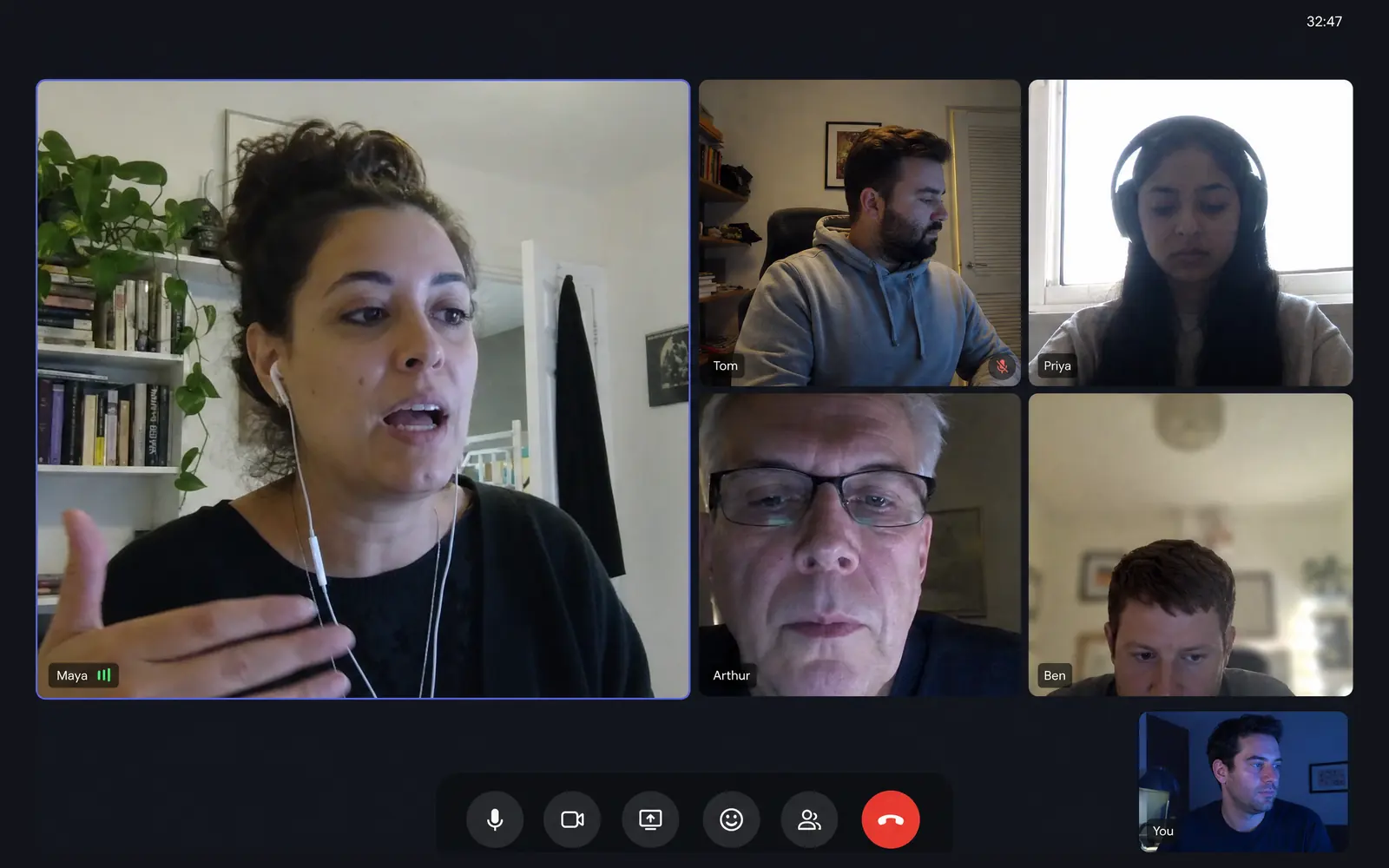
Time Out follows the clock, so it does not know you are presenting or recording. The overlay fades in during the demo, you hit Postpone, and after two weeks postponing is automatic. A postponed break app is decoration.
It stops at the eyes and the clock
Micro breaks and normal breaks cover the timer part well. What is missing is the difference between looking away for twenty seconds and actually standing up, which are different problems with different fixes.
The newest version left older Macs behind
The current major release requires a recent macOS. There is an older build for macOS 10.15 and later, but people on ageing hardware end up on a version that is no longer moving.
What Pausr does differently
- Breaks are held automatically during meetings, calls, screen sharing and games, so Postpone stops being a reflex.
- Eye breaks, stand-up breaks and long recovery breaks are separate types with lengths that suit each one.
- Local screen-time statistics, with no account and nothing leaving the Mac.
What you keep, and what you give up
What you keep
- A native macOS app that lives quietly in the menu bar.
- Statistics on what you actually did, which Time Out also does well through its Activity view.
- Full control over how often breaks come and how long they last.
What you give up
- Free. This is the real trade: Time Out costs nothing, Pausr is a subscription with a 7-day trial or a one-time lifetime purchase.
- Time Out's very deep customisation, which some people have spent years tuning.
- Support for older macOS versions through Time Out's legacy build.
Feature by feature
| Feature | Pausr | Time Out |
|---|---|---|
| Native macOS app | Yes | Yes |
| Windows | No | No |
| Linux | No | No |
| Eye breaks (20-20-20) | Yes | Yes |
| Stand-up and movement breaks | Yes | Partly |
| Long recovery breaks | Yes | Yes |
| Holds breaks during meetings, calls, screen sharing and games, without the screen recording permission | Yes | No |
| Screen-time statistics | Yes | Yes |
| Guided RSI exercises | No | No |
| Open source | No | No |
| Free to use | No | Yes |
| Works without an account | Yes | Yes |
The nuance behind the table6 rows need a caveat
- Windows
- Pausr: A Windows version is in the works. The waitlist is open on the download page.
- Stand-up and movement breaks
- Time Out: You can add a custom break and use it for standing up, but there is no dedicated movement break type.
- Holds breaks during meetings, calls, screen sharing and games, without the screen recording permission
- Time Out: Time Out follows the clock. It does not detect meetings, screen sharing or games, so the break fades in anyway.
- Screen-time statistics
- Time Out: The Activity view charts breaks taken, app usage and time away from the Mac.
- Guided RSI exercises
- Pausr: Pausr prompts stand-up and movement breaks, but it does not ship guided RSI exercise routines.
- Free to use
- Pausr: No permanent free tier: a 7-day free trial, then a subscription or a one-time lifetime purchase.
Facts checked on August 3, 2026, on the official sites.Latest Time Out release seen: 3.0.4, July 28, 2026.
Frequently asked questions
What is the best Time Out alternative on Mac?
Is there a free Time Out alternative?
Why does Time Out interrupt during meetings?
Do I lose my break schedule if I switch?
Is it worth paying when Time Out is free?
Where these facts come from
Every cell above comes from a public page we checked ourselves, not from memory. Here is the trail, so you can disagree with us.
Other Time Out alternatives worth a look








2,000+ screen workers4.9
Try Pausr today. Feel it by tonight.
Your body wasn't built to sit in front of a screen all day.
7 days freeSubscribe, or buy it outright
Cancel anytime, in one clickNo account needed