Written by Alex Ren
Updated on 11 min read
The best break reminder apps for Mac and Windows in 2026 (an honest comparison)
Quick summary Short answer: if you want a polished, context-aware break reminder app on macOS, the real contest in 2026 is between Pausr and LookAway. If you need free and cross-platform, Stretchly and BreakTimer are the ones to try. If you are on Windows and want something battle-tested, Workrave still works, it just looks like 2003. Here is the full comparison, including where each app falls short.
One disclosure before anything else: Pausr is our app. I built it, so read its row knowing who wrote this page. The six established apps here come from actually installing and living with each one; the two 2026 newcomers at the end are a sourced first look, flagged as such. I have tried to be as fair to the competition as I would want them to be to us, and where a competitor is the better pick for you, this article says so.
What break reminder apps actually fix: eye strain and screen time#
Two problems bring people to this category. The first is your eyes: at a screen you blink far less and hold near-focus for hours, which is why a majority of screen workers report digital eye strain. Real eye strain relief is not a supplement or a screen filter, it is looking away at regular intervals, and almost nobody does that reliably from memory. The second is the clock: most people trying to reduce screen time do not need a blocker, they need something to break up the three-hour stretch they lost track of.
Sitting is the quiet third one. Screen workers stay in the chair longer and push breaks later than they think, and the fix is structural, not willpower: any app on this list beats no app. The research on breaks is unambiguous; the only question is which reminder you will actually keep installed.
The quick verdict#
- Best overall on macOS: Pausr. Proactive eye, stand and long breaks that hold automatically during meetings, calls, screen sharing and games, plus honest screen-time stats. Subscription with a 7-day free trial or a one-time lifetime purchase, no account, 100% local.
- Best if eye strain is your only problem: LookAway. A polished macOS app laser-focused on the 20-20-20 routine, with smart pausing of its own.
- Best free cross-platform pick: Stretchly. Open source, runs on Windows, macOS and Linux, endlessly configurable microbreaks.
- Best minimal free option: BreakTimer. Open source, simple full-screen break windows on all three platforms.
- Best for RSI on Windows or Linux: Workrave. Two decades of rest-break pedigree and exercise prompts, wrapped in a dated interface.
- Best classic on macOS: Time Out. Free, flexible micro and normal breaks; it just does not know what you are doing when it interrupts.
- Worth watching: Restier and DeskRest. The 2026 newcomers, reviewed further down: guided cross-platform breaks for the first, one-time-purchase posture nudges for the second. Both lean on streaks, which is a philosophy we do not share.
| App | Platforms | Price | Break types | Knows your context? | Privacy |
|---|---|---|---|---|---|
| Pausr | macOS (Windows in the works) | Subscription (7-day trial) or lifetime | Eye (20 s), stand (90 s), long breaks | Yes: holds breaks during meetings, calls, screen sharing, games | No account, no server, 100% local |
| LookAway | macOS | Paid | Eye breaks, longer breaks | Yes: pauses for video and busy moments | Local app, no account required |
| Time Out | macOS | Free, optional supporter upgrade | Micro and normal breaks | No: fixed schedule | Local app |
| Stretchly | Windows, macOS, Linux | Free, open source | Microbreaks and longer breaks | Limited: manual pause modes | Open source, local |
| Workrave | Windows, Linux | Free, open source | Micro, rest breaks, daily limit, exercises | Partial: activity-based timing | Open source, local |
| BreakTimer | Windows, macOS, Linux | Free, open source | Configurable full-screen breaks | No: fixed schedule | Open source, local |
| Restier | Windows, macOS, Linux | Subscription (14-day trial) | Guided breaks: eyes, posture, breathing | Partial: meeting-aware and idle-aware | Minimal licensing data, no screen tracking |
| DeskRest | macOS 14.2+ | One-time lifetime license | Short (20 s) and long (3 min) breaks, posture flashes | Partial: video call, meeting and Focus detection | Not specified |
The break reminder apps, honestly reviewed#
Pausr: proactive breaks that respect your work
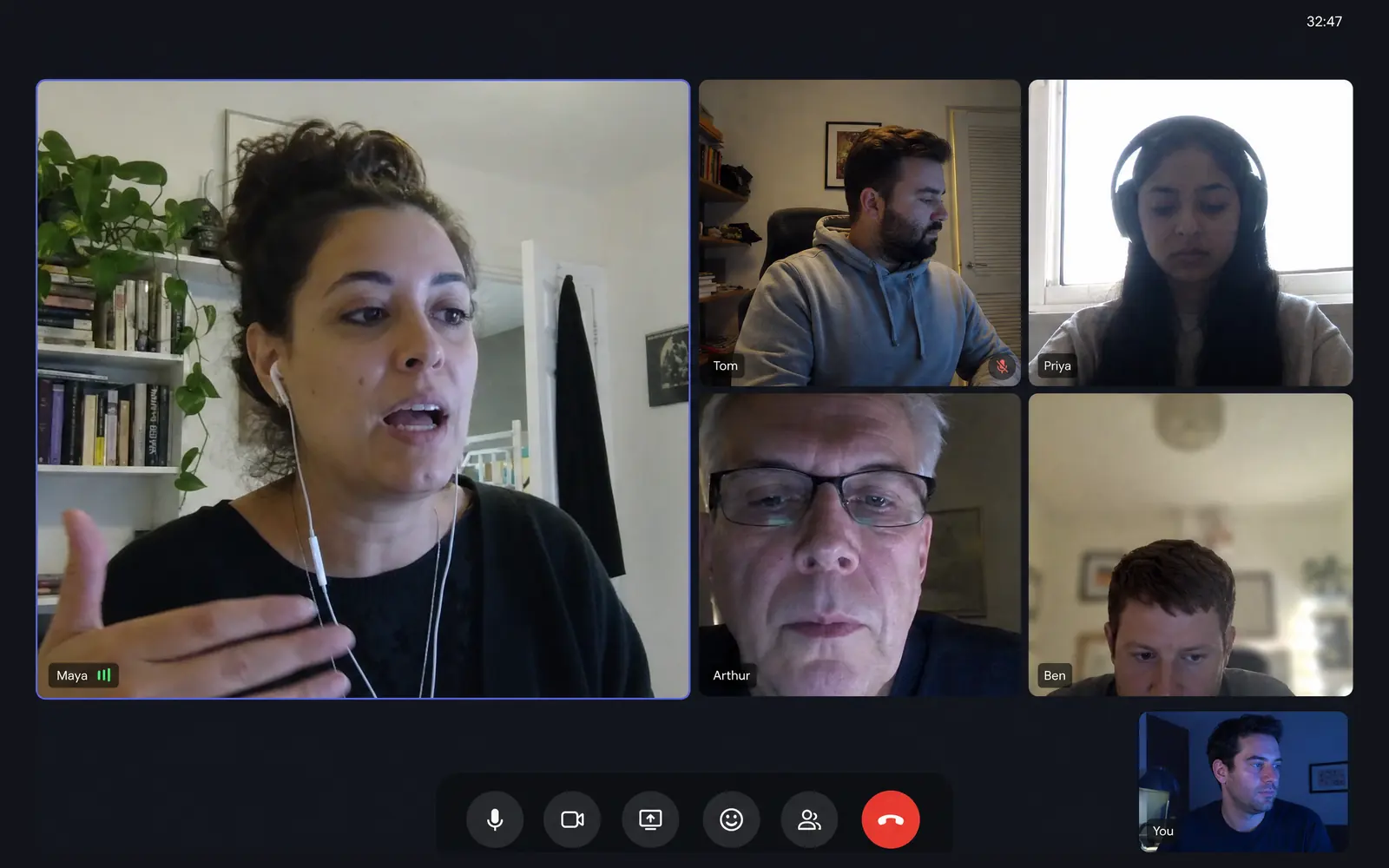
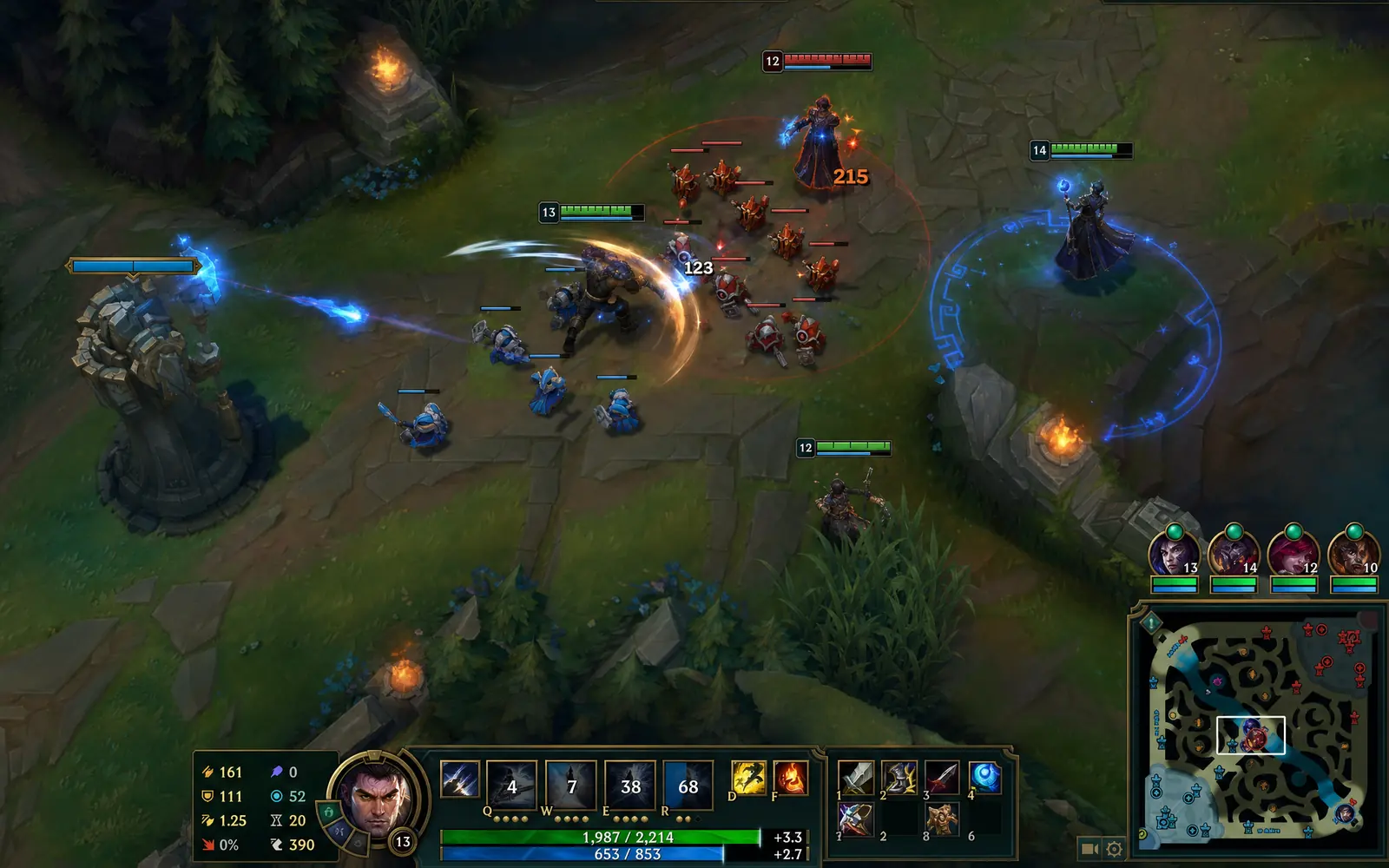
Pausr exists because every break app I tried got uninstalled within a week, always for the same reason: it interrupted at the worst moment. A reminder that fires mid-demo or mid-ranked-game does not build a habit, it builds resentment. So Pausr watches local signals (which app is frontmost, whether you are in a call, sharing your screen or gaming) and holds the break until the moment is right. It announces each break 30 seconds ahead, covers the three timescales that matter (20 seconds for your eyes, 90 seconds to stand, a real long break), pauses your music while you are away and keeps honest screen-time stats. There are no streaks, no badges and no guilt mechanics: missing a break costs you nothing. Everything runs 100% locally with no account, on a subscription with a 7-day free trial or a one-time lifetime license. The honest downside: it is macOS-only today. Windows is in the works, and there is a waitlist if that is you.
LookAway: the eye-strain specialist
LookAway is the strongest direct competitor on this list and deserves the praise it gets. It is a beautifully designed macOS app built around the 20-20-20 rule, with smart pausing so it does not fire while you watch video. If digital eye strain is your one and only problem, it is an excellent buy. Where Pausr and LookAway diverge is scope: LookAway is an eye-care app, while Pausr treats the whole sitting-too-long, staring-too-long pattern (eyes, posture, real recovery, screen-time awareness) as one problem. Pick based on which problem you actually have.
Time Out: the macOS veteran
Time Out has been reminding Mac users to break for well over a decade, and it is free with an optional supporter upgrade. You get two configurable break types, themes and per-break schedules. Its age shows in one structural way: it follows the clock, not you. It does not know you are presenting to a client, so it will fade your screen anyway, and every user eventually learns to postpone it into irrelevance. As a free starting point it is still perfectly respectable.
Stretchly: the open-source favorite
Stretchly is the community darling: free, open source, cross-platform, with microbreaks and longer breaks you can tune to absurd precision. If you live on Windows or Linux, or you simply refuse to pay for a break app, start here. The trade-offs are the usual Electron ones (it feels like a guest on macOS rather than a native citizen) and the absence of real context awareness: pausing during meetings is on you. We wrote a full comparison of Stretchly, Time Out and Workrave alternatives if you are coming from one of them.
Workrave: the RSI workhorse
Workrave predates the entire category: it was built in the early 2000s to help people recover from repetitive strain injury, and it remains the most medically serious option for Windows and Linux, with micro-pauses, rest breaks, a daily computer-use limit and guided exercises. It is also, visually and ergonomically, an app from another era. If you have actual RSI symptoms it has earned its keep; if you want something you enjoy seeing every day, you will probably keep looking.
BreakTimer: the minimalist
BreakTimer does one thing: a configurable break window at a configurable interval, on Windows, macOS and Linux, free and open source. No stats, no context detection, no philosophy. That simplicity is the appeal and the limit. It is the app to recommend to someone who wants to test whether break reminders help at all before investing any money or configuration time.
Restier and DeskRest: the 2026 newcomers
Two apps joined the category recently enough that we have not lived with them for months the way we have with everything above, so read these two as a sourced first look rather than a long-term verdict. Restier is the more ambitious one: guided breaks (visual resets for the eyes, breathing prompts, posture and neck sequences) on Windows, macOS and Linux, sold as a subscription with a 14-day trial. By its own description its reminders are meeting-aware and idle-aware, and it states plainly that it does not track your screen or files. A paid, guided, cross-platform option is genuinely new territory: until now, Windows users chose between free-and-basic or nothing.
DeskRest is a Mac-only take (macOS 14.2 and up) with a one-time lifetime license: 20-second eye breaks, 3-minute long breaks, posture flash reminders and custom exercises, with video call, meeting and Focus detection. A fair, inexpensive pick if posture nudges matter to you and subscriptions do not. What both newcomers share, and where we part ways with them, is streaks: both gamify adherence, and our experience is that a broken streak uninstalls more break apps than a missed break ever did.
How to choose your break reminder app in 30 seconds#
- You uninstalled break apps before because they interrupted meetings or games: you need context awareness. Pausr or LookAway.
- Eye strain relief is all you are after (dry, tired, gritty eyes): LookAway, or Pausr if you also sit for hours without standing.
- You are on Windows today: Stretchly or BreakTimer free today, Restier if you want a paid guided option, Workrave if RSI is involved, and the Pausr Windows waitlist if you want the context-aware approach.
- You want to spend nothing: Stretchly first, BreakTimer if Stretchly feels like too many knobs.
- You want to reduce screen time, not just rest your eyes: Pausr is the only one on this list with honest local screen-time stats built in.

Whichever you pick, configure it once, grant it the permissions it asks for, and give it two full weeks before judging. The first three days of any break app feel like interruptions; by week two the breaks start feeling like the schedule and the screen time in between feels like the interruption. That flip is the whole game.
Frequently asked questions
What is the best break reminder app for Mac in 2026?
What is the best break reminder app for Windows?
Are there good free break reminder apps?
Do break reminder apps actually work?
Which break reminder app is best for eye strain relief?
Sources & further reading
- LookAway, official site
- Time Out by Dejal, official site
- Stretchly, official site
- Workrave, official site
- BreakTimer, official site
- Restier, official site
- DeskRest, official site
- AlternativeTo: Stretchly alternatives (community rankings)
- American Optometric Association: Computer vision syndrome
- Albulescu et al., Give me a break! A systematic review and meta-analysis on the efficacy of micro-breaks, PLOS ONE (2022)
- OSHA: Computer workstations eTool