Written by Alex Ren
Updated on 17 min read
The best iPhone pomodoro apps with background music (and what music really does to focus)
Quick summary Short answer: for the biggest sound library, Pomodoro with Binaural Beats; for curated lofi, LoFi Pomodoro; for your own playlists, AMFocus and its Apple Music integration; and for spending nothing at all, iOS Background Sounds paired with the Clock app, which is already on your phone. Now the part every one of those listings leaves out. The research on background music says instrumental sound is roughly neutral for focus and music with words measurably costs you, so the single most useful setting in any of these apps is the one that keeps lyrics out of your ears.
In this article
- The shortlist: iPhone pomodoro apps with background music
- What background music actually does to focus
- Binaural beats: what the evidence supports, and what it does not
- The free option nobody in the listings mentions
- The problem with putting the timer on your phone
- What to actually do with the five minutes
- When the problem is not the timer
- Frequently asked questions
Search for a pomodoro app with background music and you get a wall of App Store listings, each promising deep focus, and a handful of blog posts that rank eighteen apps without citing one source. That is a strange state of affairs for a category whose entire premise is a testable claim. Music either helps you concentrate or it does not, and people have been measuring it for forty years. So this page does both halves: the apps, compared on what they actually ship, and then the evidence, including the parts that are inconvenient for everyone selling something here.
The shortlist: iPhone pomodoro apps with background music#
Every app below pairs a pomodoro timer with sound you can leave running while you work. They differ on where the sound comes from, which turns out to matter more than the interface does.
| App | What the sound actually is | Price | The catch |
|---|---|---|---|
| Pomodoro with Binaural Beats | Over 100 nature, creature, cafe and household sounds, plus 5 kinds of binaural beats, up to 10 layered at once | Free, no in-app purchases | The listing promises deep sleep, meditation, alertness and cognitive improvement. The evidence supports a fraction of that. |
| LoFi Pomodoro | A hand-picked lofi catalogue, described as curated rather than algorithmic filler | Free, Pro at $4.99 or $29.99 | Lofi is instrumental, which is the right instinct. The listing also cites research on the pomodoro technique that is stronger in the marketing than in the journals. |
| AMFocus, Pomodoro meets Music | Your own Apple Music library and playlists, plus YouTube | Free, $1.99 a year or $4.99 for life | Your library is mostly songs with words, which is the one category the research consistently penalises. |
| Pomodoro, Focus Timer | A white noise player that runs with the timer, plus spoken feedback at the end of each interval | Free, in-app purchases from $0.99 to $9.99 | The spoken feedback is speech, and intelligible speech is the most disruptive sound there is. |
| iOS Background Sounds with the Clock app | Balanced, bright and dark noise, ocean, rain and stream, mixed under whatever else is playing | Free, already installed | No pomodoro structure at all. You set the interval yourself. |
Pomodoro with Binaural Beats: the largest sound library, free
Of everything on this list, this one from the developer arai.me gives you the most raw material: north of a hundred sounds spanning nature (ocean, river, waterfall), creatures (whales, birds, insects), places (cafes, restaurants, libraries) and domestic noise (fans, showers), with up to ten playing at once. If what you want is a personal soundscape rather than someone else's playlist, this is the one, and it costs nothing. Its five binaural beat modes are the reason for the name, and they deserve their own section below, because the gap between what that feature promises and what has been shown is the widest on this page.
LoFi Pomodoro: the lofi pomodoro app done properly
Lofi became the default study soundtrack for a reason that is more principled than its fans usually realise: it is instrumental, repetitive, mixed quietly and structurally uneventful, which is close to a description of the only kind of music the evidence does not punish. LoFi Pomodoro, from Adapted Hub, leans on curation rather than an endless algorithmic stream, and the free tier is usable before the $4.99 or $29.99 Pro unlock. One caveat on its own copy: the listing states that research shows the pomodoro technique reduces mental fatigue and fights procrastination. The head-to-head evidence is thinner than that, as the section on the five minutes explains.
AMFocus: your own Apple Music library, for better and worse
AMFocus, from Beijing Rudian Technology, solves the complaint that kills most of these apps within a week: you get bored of their music. It hooks into Apple Music so you work to your own library, recommendations, recent playlists and albums, and at $1.99 a year or $4.99 once, it is the cheapest paid option here. The trap is structural rather than technical. Your library is full of songs with words, sung in a language you understand, which is precisely the condition under which background music stops being neutral and starts costing you. If you use AMFocus, build one instrumental playlist and treat it as your work library.
Pomodoro, Focus Timer: a focus timer with white noise
DelightApps' Pomodoro, Focus Timer is the plainest of the set: a competent timer with a relaxing sound player and white noise that runs alongside it, free with in-app purchases from $0.99 to $9.99. If white noise rather than music is what quiets your room, it does the job. Turn off the voice feedback. Spoken words at the end of an interval are the one sound design choice on this page that runs directly against the evidence, and the app gives you a switch for it.
What background music actually does to focus#
Start with the largest picture available. Kampfe, Sedlmeier and Renkewitz pooled 97 studies of background music in adults for Psychology of Music in 2011, and the global result was a null effect. That headline is misleading in an interesting way: the authors argue the null is what you get when real, opposite effects average each other out. Break it apart and background music disturbs reading, carries small costs to memory, and reliably improves emotional state and sports performance. In other words it makes the hour more pleasant and the reading harder, which is not at all what the App Store listings imply.
The more recent and more useful result splits music by whether it has words. Souza and Barbosa, in the Journal of Cognition (2023), compared lyrical music, instrumental music and silence across several tasks. Against silence, music with lyrics hurt verbal recall (d = -0.32), visual recall (d = -0.33) and reading comprehension (d = -0.19), while arithmetic held up. Instrumental music against silence produced nothing credible in either direction. Compared head to head, instrumental beat lyrics on verbal recall and on reading.
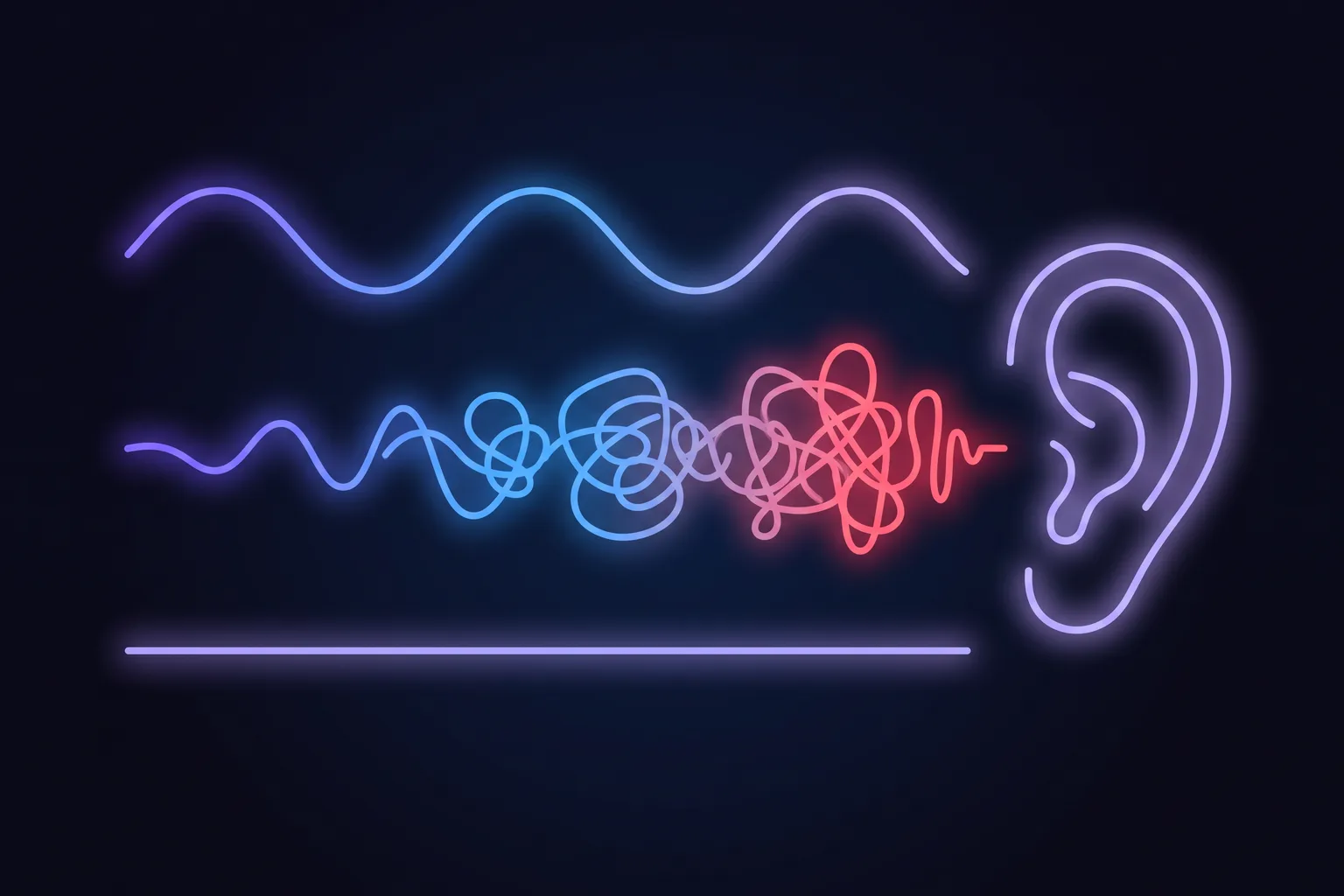
The mechanism is well understood and it has a name. Words in your ears compete for the same machinery you use to hold words in your head, which is why intelligible speech and sung lyrics are more disruptive than noise of the same loudness. That is the practical rule underneath every app on this page: instrumental, or a language you genuinely do not speak, or no words at all. Lofi, ambient, film scores without vocals, rain, a cafe hum. Anything you can sing along to is competing with the sentence you are trying to write.
Binaural beats: what the evidence supports, and what it does not#
Binaural beats deserve a fairer hearing than sceptics give them and a much cooler one than app listings give them. Garcia-Argibay, Santed and Reales meta-analysed 22 studies for Psychological Research (2019) and found a medium, consistent overall effect across memory, attention, anxiety and pain (g = 0.45). A second meta-analysis in the same journal in 2022 landed close by, at g = 0.40, while noting conflicting results between frequency bands. So the honest verdict is not that binaural beats are nonsense. It is that they are a modest effect with a mixed literature, being sold as deep sleep, meditation, alertness and cognitive improvement.
There is one detail in the 2019 meta-analysis that nobody building these apps seems to have read. Exposure before the task, or before and during, outperformed exposure only during the task. Every pomodoro app here does the one thing that worked least: it starts the beats when the timer starts. If you want to use the feature the way it was tested, listen for a few minutes before you begin working rather than treating it as a soundtrack. The same paper also found that masking the beats with white or pink noise made no difference to their effect, so you can skip that layer.
The free option nobody in the listings mentions#
Your iPhone already ships with a background sound generator, and it is better hidden than it deserves to be. Background Sounds lives in Settings, under Accessibility, then Audio and Visual. It plays balanced, bright or dark noise, ocean, rain or stream, and iOS 26 roughly doubled that list. It is free, it needs no account, and it was built by people optimising for concentration rather than for retention.
Three of its settings are the reason it beats most paid sound players:
- A second volume slider for when other media is playing. Your noise ducks under a call or a video automatically instead of fighting it, which is the single most annoying failure of bolted-on sound players.
- Stop Sounds When Locked. The noise ends when the phone locks, so it does not quietly run all evening.
- Use When Media Is Playing, which decides whether the noise layers under your music at all. Turn it on and you can run rain under an instrumental playlist without a third app.
Pair that with the Clock app's timer and you have a pomodoro app with background music, for free, in about ninety seconds of setup. What you give up is the session structure: no automatic switch to a five-minute break, no history. Whether that is worth $29.99 is a real question, and the honest answer is that it depends entirely on whether you will actually restart the timer yourself. Most people will not, which is the whole reason this category exists.
The problem with putting the timer on your phone#
Here is where a page selling a Mac app is supposed to tell you that your phone is destroying your brain. The evidence does not support that, and it is worth saying so plainly, because the overstatement is everywhere.
The famous study is Ward and colleagues in 2017, which reported that a phone sitting face down on your desk consumed cognitive capacity even when untouched. It failed to replicate. A 2023 meta-analysis by Bottger, Poschik and Zierer in Behavioral Sciences pooled 22 studies and 43 effect sizes and found the effect real but tiny (g = -0.14), concentrated in memory (g = -0.23), and not statistically significant for attention or for general cognitive performance. The mere presence of your phone is not what is costing you. Anyone who tells you otherwise is quoting a headline from 2017.
The other stat you will meet is that it takes 23 minutes and 15 seconds to recover from an interruption. That precise figure does not appear in the paper it is universally attributed to. Mark, Gonzalez and Harris (CHI 2005) reported something related and less quotable: people resumed 77% of interrupted tasks the same day, taking around 25 minutes to get back, having passed through more than two other tasks on the way. The cost is real. The stopwatch precision is folklore.
This is the one place the choice of device genuinely matters, and it splits by what kind of work you do. If you study on paper, walk between classes, or work away from a computer, your phone is the right home for the timer and everything above applies. If you spend the day at a Mac, the timer belongs on the Mac. It is already in front of you, it does not need unlocking, it knows whether you are in a call, and starting a break there does not begin with a lock screen.
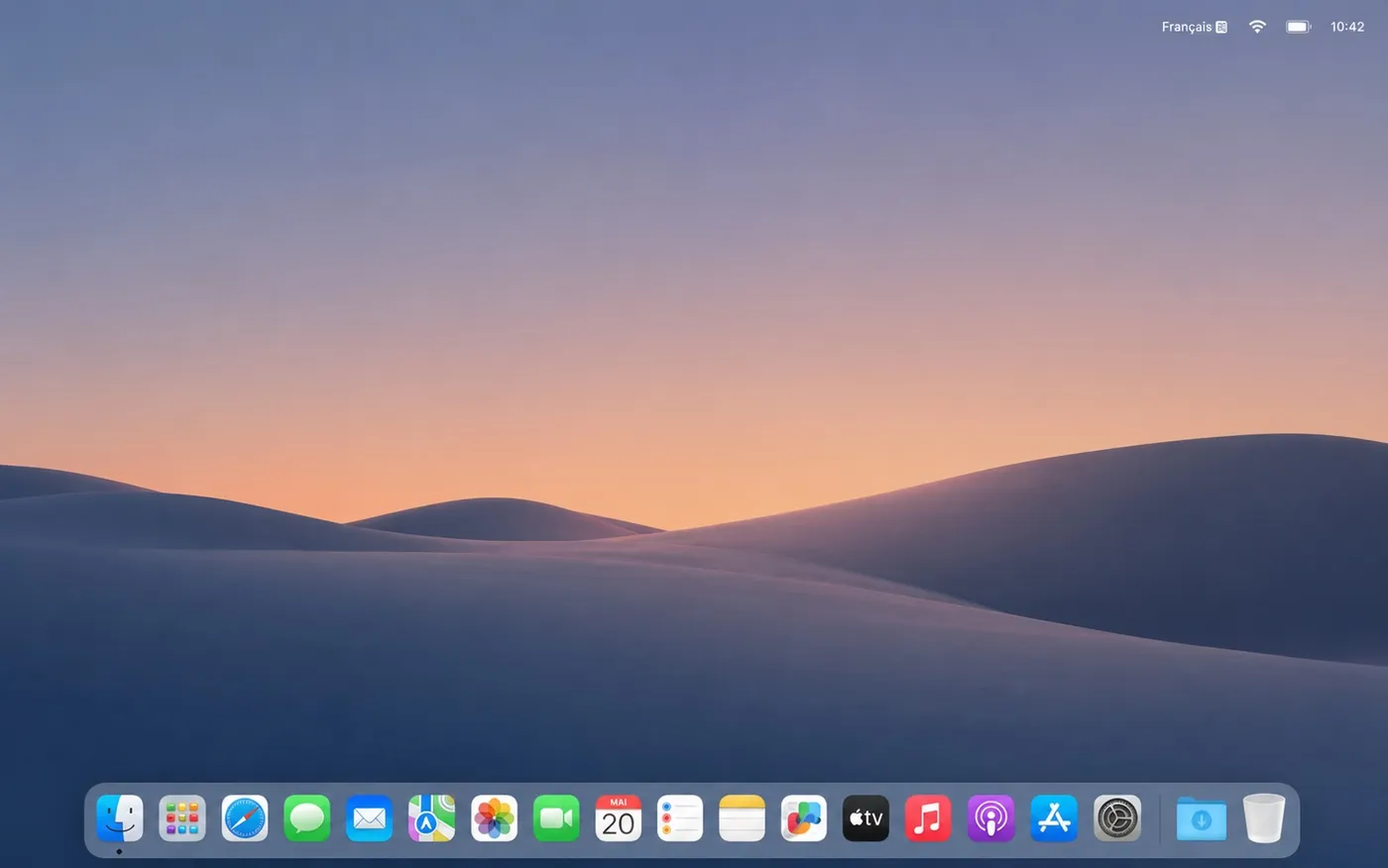
The reasoning behind that behaviour is the same finding this whole page rests on. If instrumental sound is at best neutral while you work, it is certainly not what your ears and your attention need during the recovery you just scheduled. The break is the part where the input is supposed to stop. An app that keeps the playlist running through it has quietly turned your break into more of the same hour.
What to actually do with the five minutes#
Almost every pomodoro guide, including all three of the highest-ranking ones for this query, spends its entire length on the work interval and says nothing about the break. That is backwards, because the break is the part with the evidence behind it. A 2022 meta-analysis of 22 studies in PLOS ONE found that micro-breaks reliably increase vigour and reduce fatigue. What it did not find is that any particular interval length beats another.
That absence is worth dwelling on, because it is the honest answer to the research claims on these app listings. The only study to compare the popular techniques head to head, Smits and colleagues in Behavioral Sciences (2025), put Pomodoro against Flowtime against simply stopping when you felt like it, and found no significant difference in productivity, task completion or flow. The Pomodoro group's motivation actually declined faster across the session. Pick the rhythm you will keep to, and stop shopping for a better ratio.
So spend the five minutes on the things a timer cannot do for you:
- Look at something far away. The American Optometric Association recommends 20 seconds on something 20 feet off, every 20 minutes. Your eye muscles have been holding one distance for half an hour.
- Stand up and change shape. Not a workout. Shoulders back, chin tucked, walk to another room and come back.
- Leave the sound off. A break spent scrolling with your playlist running is a task switch, not recovery.
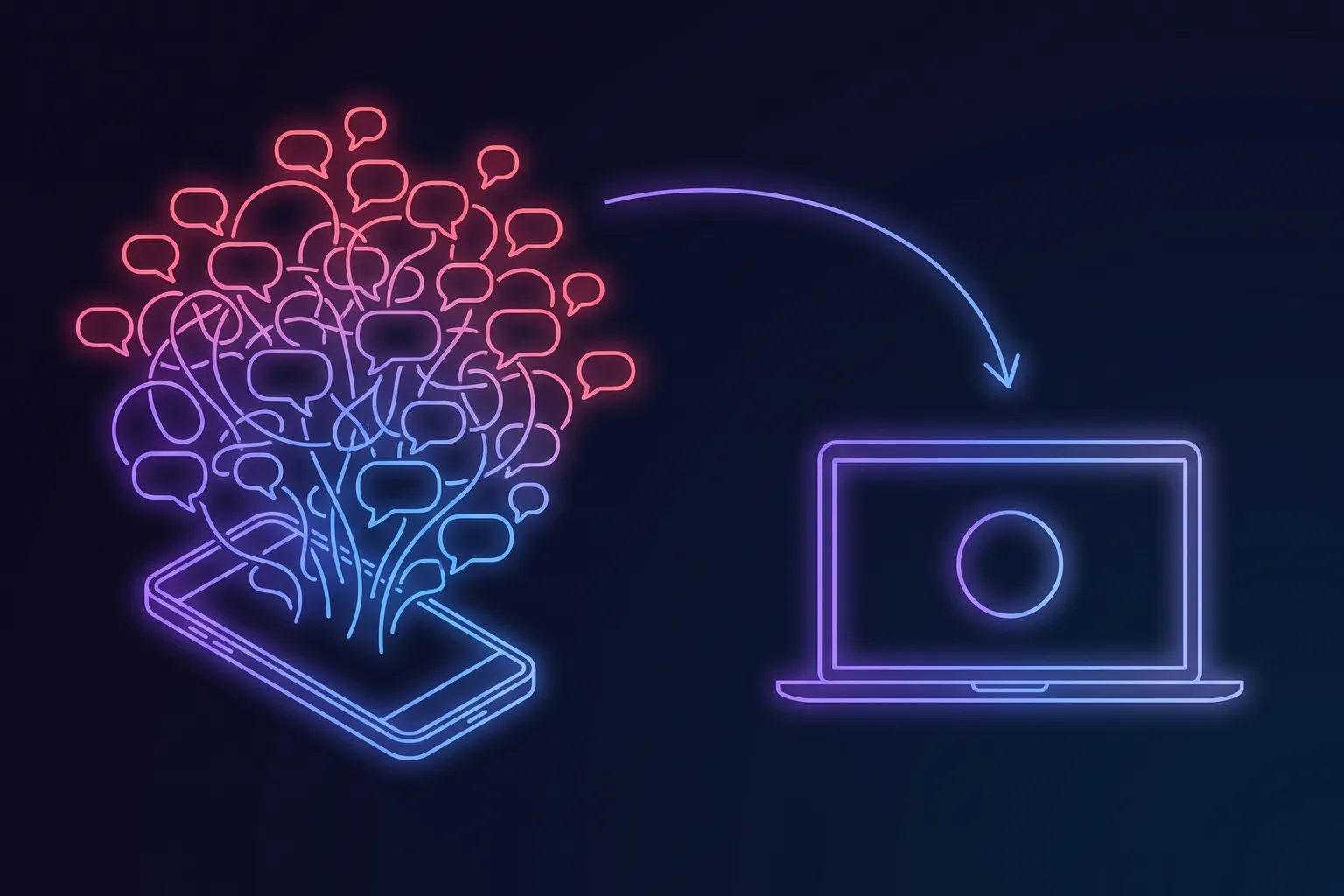
- Do not start it by unlocking your phone. That is the single most reliable way to turn five minutes into twenty.
When the problem is not the timer#
A pomodoro app is a scheduling tool. It is a poor treatment for anything that is not a scheduling problem, and it is worth knowing which is which before you buy your fourth one.
- Eye discomfort that does not clear overnight. Ordinary screen strain builds through the day and is gone by morning. Blurring, persistent aching, double vision or headaches that survive a night of sleep call for an eye examination, not a better timer.
- Concentration that has collapsed rather than drifted. If focus has become hard everywhere, including in things you used to enjoy, that pattern belongs with a doctor. It is a recognised feature of depression, of thyroid problems and of several other treatable conditions.
- Exhaustion, cynicism about your work and a sense of being ineffective, together and lasting. That is the recognised shape of burnout, and no interval length touches it.
- Lifelong difficulty starting and finishing tasks. If timers have never worked for you and never did at school either, an ADHD assessment will tell you more than another app will.
For everyone else, the summary is short. Pick any of the apps above, choose instrumental sound or noise rather than songs you know the words to, put the beats before the session rather than under it, and if you work at a Mac all day, move the timer off the device you have to unlock. The music was never going to be the thing that made the hour work. Stopping is.
Frequently asked questions
What is the best iPhone pomodoro app with background music?
Does background music actually help you focus?
Is lofi music good for studying?
Do binaural beats work for concentration?
How do I get a pomodoro timer with music for free on iPhone?
Should I use my phone or my computer as the pomodoro timer?
Is there a pomodoro app with background music for Mac?
Sources & further reading
- Kampfe, Sedlmeier & Renkewitz, The impact of background music on adult listeners: a meta-analysis, Psychology of Music 39(4) (2011)
- Souza & Barbosa, Should we turn off the music? Music with lyrics interferes with cognitive tasks, Journal of Cognition 6(1) (2023)
- Garcia-Argibay, Santed & Reales, Efficacy of binaural auditory beats in cognition, anxiety and pain perception: a meta-analysis, Psychological Research 83 (2019)
- Basu & Banerjee, Potential of binaural beats intervention for improving memory and attention, Psychological Research 87 (2023)
- Bottger, Poschik & Zierer, Does the brain drain effect really exist? A meta-analysis, Behavioral Sciences 13(9):751 (2023)
- Mark, Gonzalez & Harris, No task left behind? Examining the nature of fragmented work, CHI 2005
- Albulescu et al., Give me a break! A systematic review and meta-analysis on the efficacy of micro-breaks, PLOS ONE (2022)
- Smits, Wenzel & de Bruin, Investigating the effectiveness of self-regulated, Pomodoro and Flowtime break-taking techniques among students, Behavioral Sciences 15(7):861 (2025)
- Apple Support: Use Background Sounds to help with sleep, focus and more
- American Optometric Association: Computer vision syndrome