Pausr
Native macOS break app, context aware

BreakTimer
Minimal cross-platform break reminder, open source
macOS
Platforms
3/3
Break types
7-day free trial
Price
macOS, Windows, Linux
Platforms
2/3
Break types
Free, open source
Price
Pausr vs BreakTimer
BreakTimer does one thing on purpose: it reminds you to take a break, on any platform, for free. Pausr does considerably more and asks to be paid for it. If minimalism is what you were after, the rest of this page is an argument you can safely ignore.
Feature by feature
| Feature | Pausr | BreakTimer |
|---|---|---|
| Native macOS app | Yes | Partly |
| Windows | No | Yes |
| Linux | No | Yes |
| Eye breaks (20-20-20) | Yes | Yes |
| Stand-up and movement breaks | Yes | No |
| Long recovery breaks | Yes | Yes |
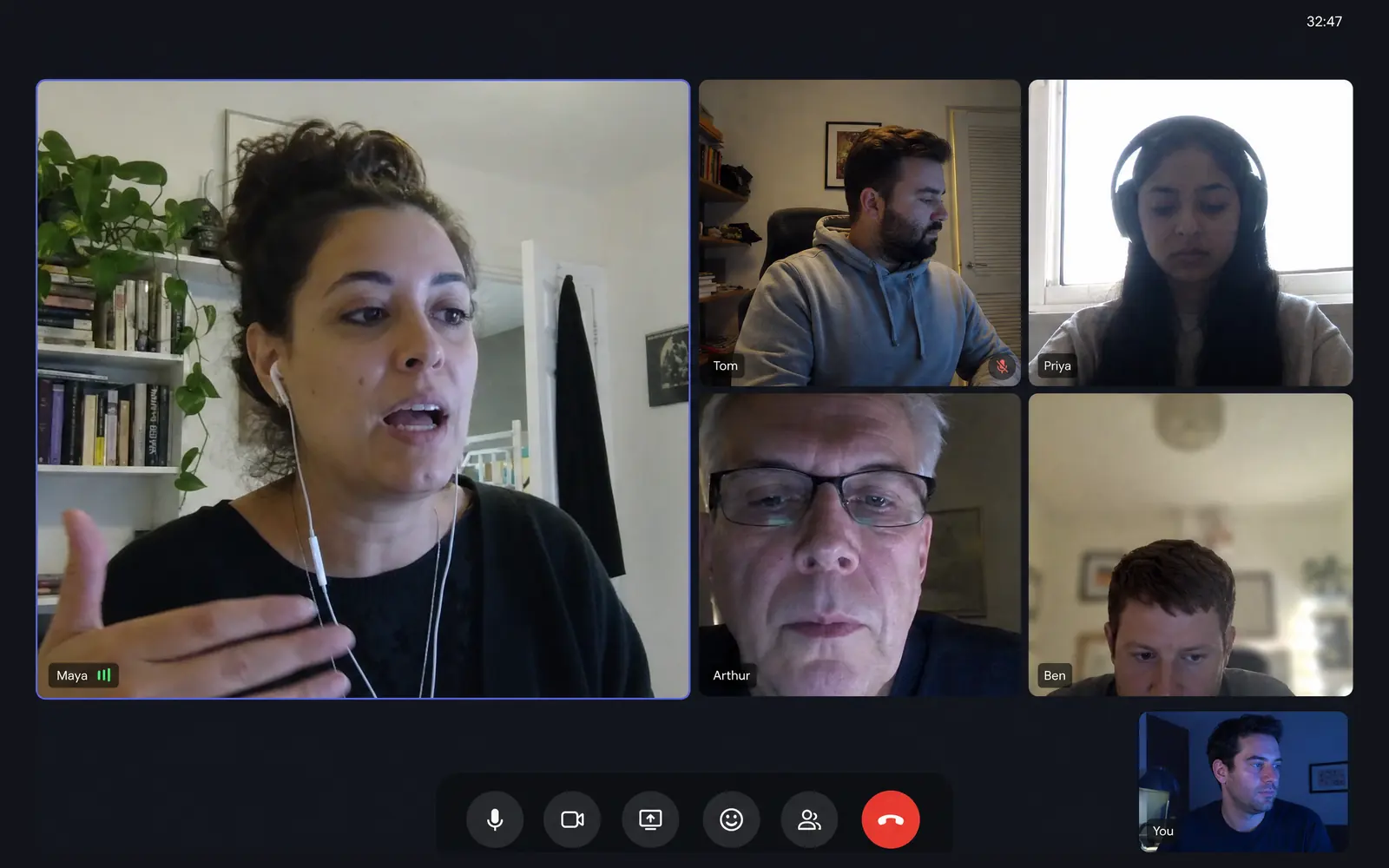
| Holds breaks during meetings, calls, screen sharing and games, without the screen recording permission | Yes | No |
| Screen-time statistics | Yes | No |
| Guided RSI exercises | No | No |
| Open source | No | Yes |
| Free to use | No | Yes |
| Works without an account | Yes | Yes |
The nuance behind the table6 rows need a caveat
- Native macOS app
- BreakTimer: Cross-platform Electron app rather than a native macOS one.
- Windows
- Pausr: A Windows version is in the works. The waitlist is open on the download page.
- Stand-up and movement breaks
- BreakTimer: Breaks are generic: you set how often and how long, without a dedicated movement break.
- Holds breaks during meetings, calls, screen sharing and games, without the screen recording permission
- BreakTimer: You can skip or snooze a break by hand, but nothing is detected automatically.
- Guided RSI exercises
- Pausr: Pausr prompts stand-up and movement breaks, but it does not ship guided RSI exercise routines.
- Free to use
- Pausr: No permanent free tier: a 7-day free trial, then a subscription or a one-time lifetime purchase.
Facts checked on August 3, 2026, on the official sites.

A break app is judged on the moments it stays quiet, not on the length of its feature list.
Where the two really differ
Deliberate minimalism versus coverage
BreakTimer gives you generic breaks: how often, how long, working hours, a message. There is no separate eye break, stand-up break or long recovery break, because that is not what it is for. Pausr splits them because they are different problems.
Skip by hand versus hold automatically
BreakTimer lets you skip or snooze a break when it arrives. Nothing is detected: it does not know about your meeting. Pausr holds the break during meetings, calls, screen sharing and games without being asked.
Nothing recorded versus local stats
BreakTimer keeps no statistics. Pausr keeps screen-time stats on the Mac, which is either useful or noise depending on whether you would look at them.
Price
Pausr
Native macOS break app, context aware
Price
Subscription with a 7-day free trial, or a one-time lifetime purchase
BreakTimer
Minimal cross-platform break reminder, open source
Price
Free and open source, GPL-3.0
Official siteChoose Pausr if
- You want the break to know when to stay out of the way.
- You want eye, stand-up and long breaks handled distinctly.
- You want to see your screen time locally.
Choose BreakTimer if
- You genuinely want the simplest possible reminder and nothing more.
- You need Windows or Linux.
- You want free and open source.
Frequently asked questions
Is BreakTimer good enough?
What does Pausr add over BreakTimer?
Is BreakTimer free?
Where these facts come from
Every cell above comes from a public page we checked ourselves, not from memory. Here is the trail, so you can disagree with us.
Compare Pausr with other break apps








2,000+ screen workers4.9
Try Pausr today. Feel it by tonight.
Your body wasn't built to sit in front of a screen all day.
7 days freeSubscribe, or buy it outright
Cancel anytime, in one clickNo account needed